Memory
Keeps what matters for its job. Nothing leaks to another assistant unless you share it.
An AI workspace that gets better the more you use it.
Chat or talk. Research with real citations. Make Word, PowerPoint and Excel files. Put the repeat work on a schedule. Connect the apps you already use.
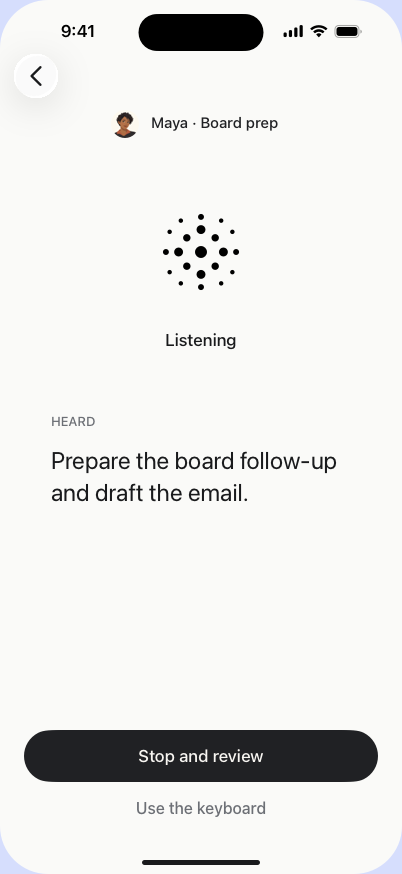
Type or speak. Everything stays in one chat you can come back to.
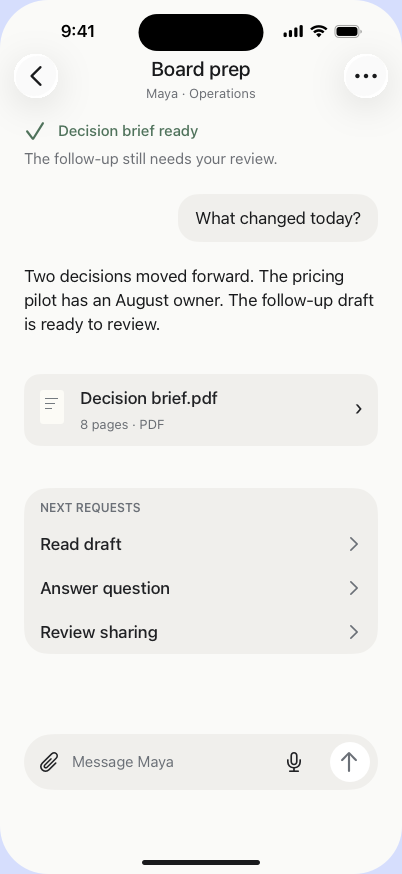
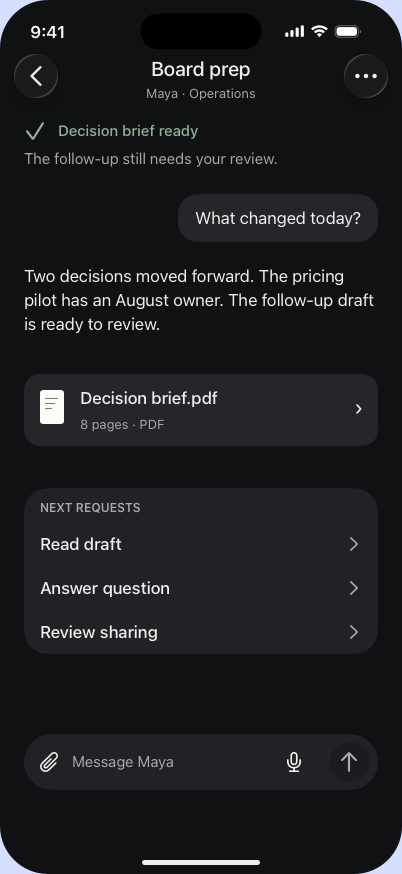
Ask in chat and attach your files.
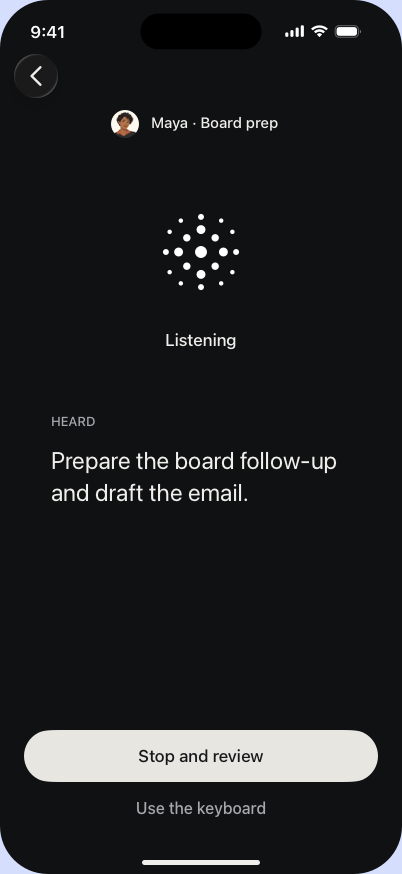
Talk. Check the text before it sends.
Later, next week. It is all still there.
Each one has its own memory, its own skills, and only the apps you allow. Set it up once. It learns from there.
Keeps what matters for its job. Nothing leaks to another assistant unless you share it.
How it works, learned from your feedback and approved by you.
Only the apps and actions you allow. Down to the single action.
Progress next to the chat. Change direction or stop any time. When it needs you, you will know.
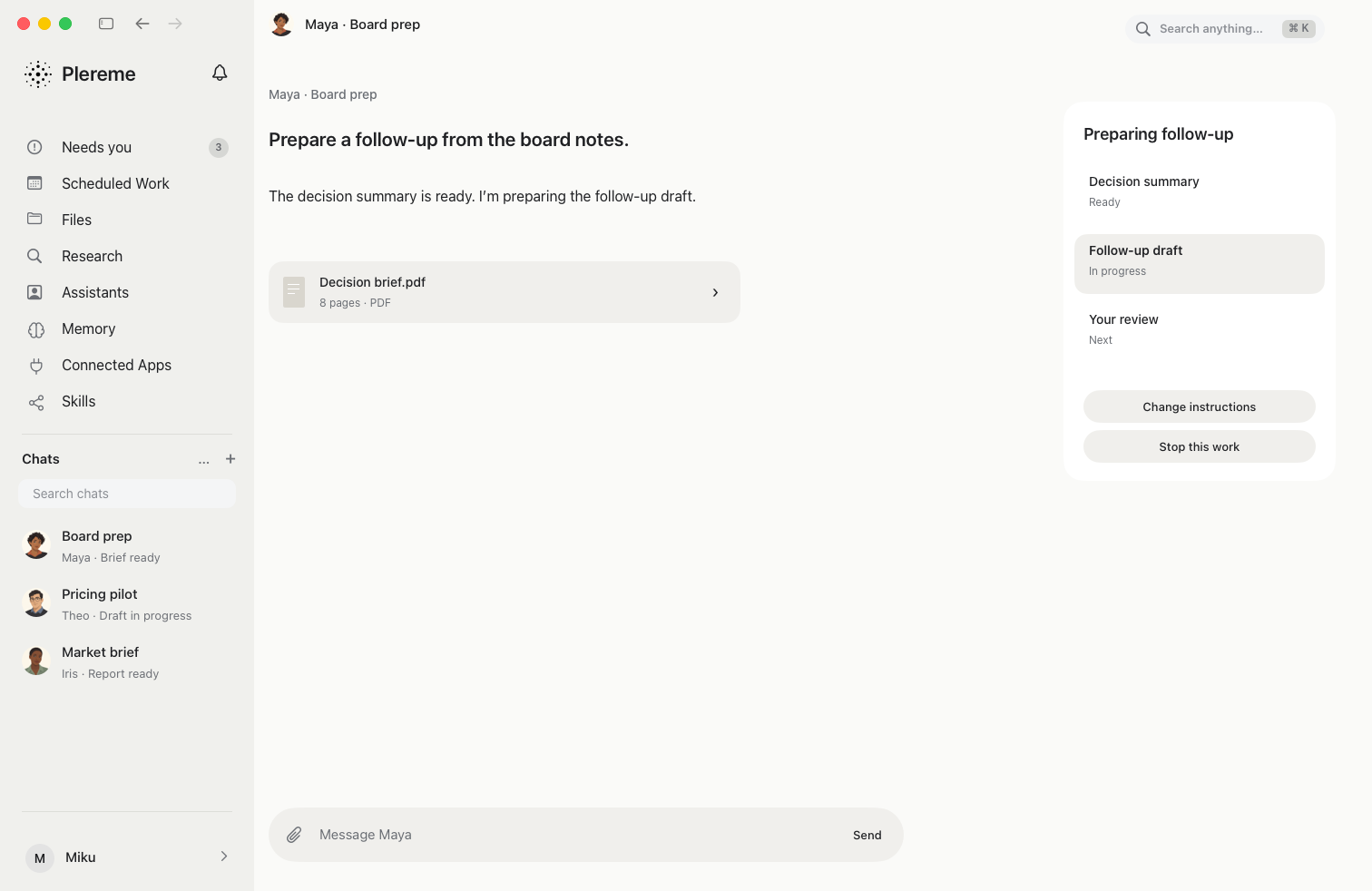
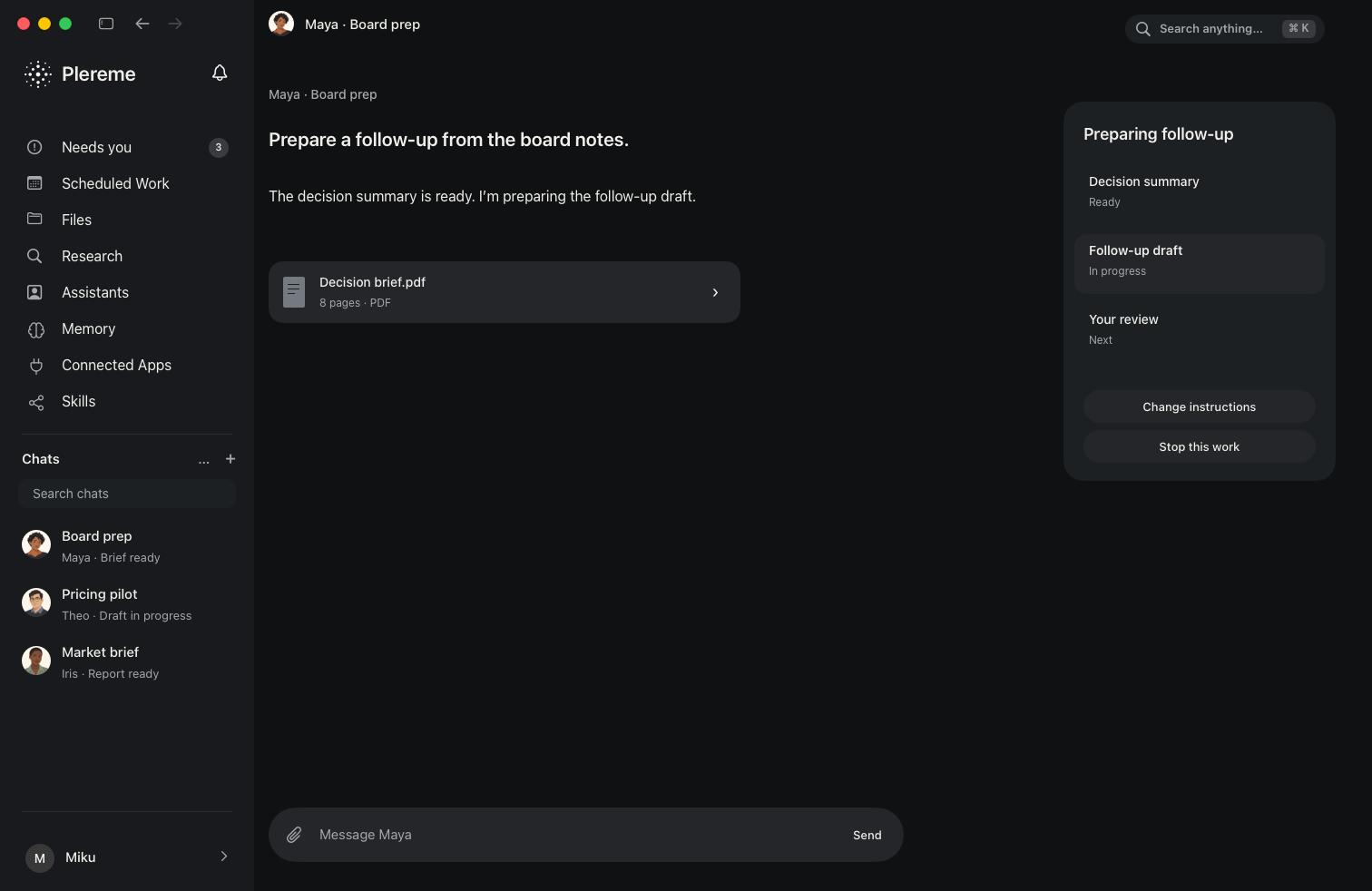
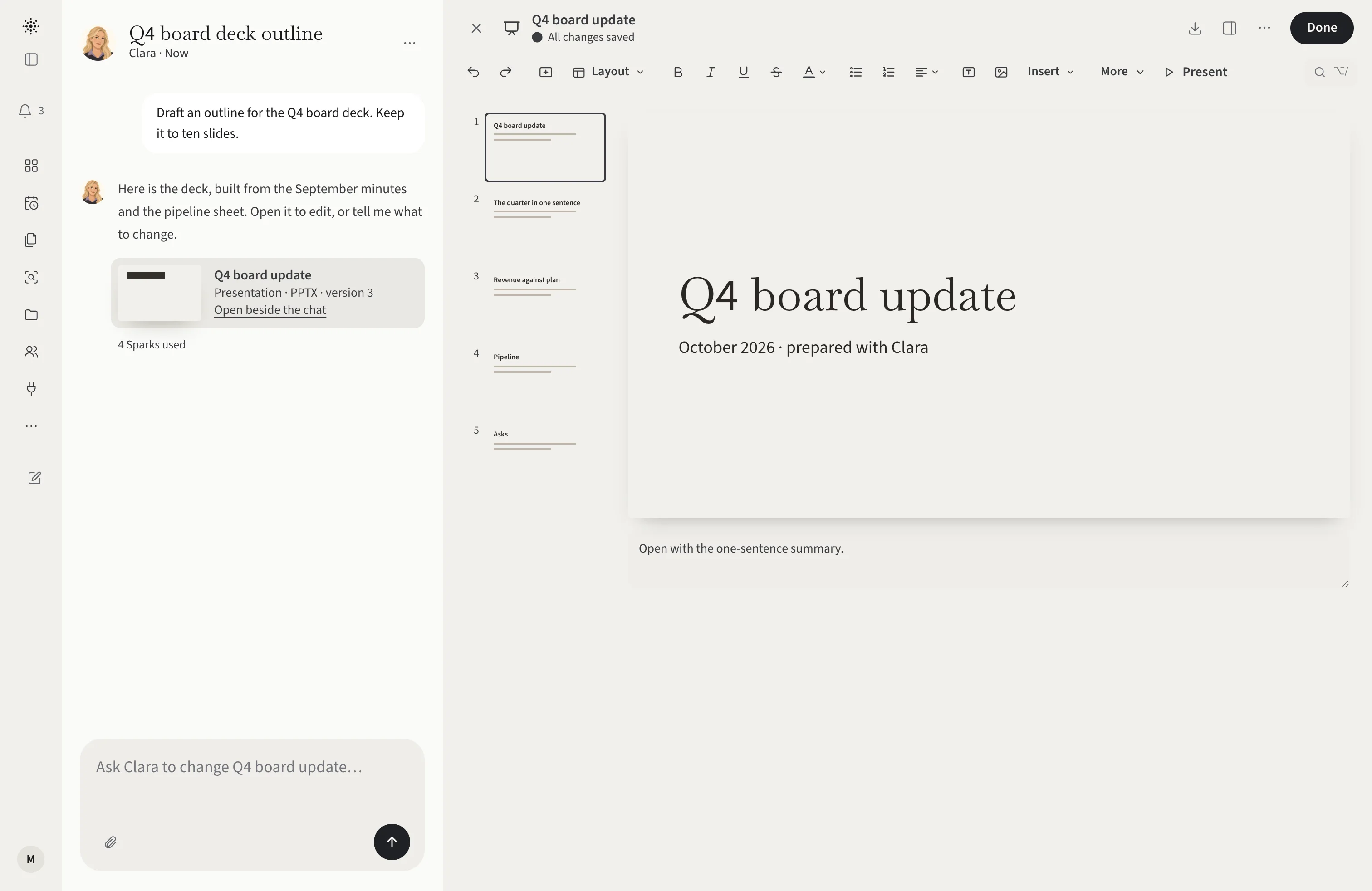
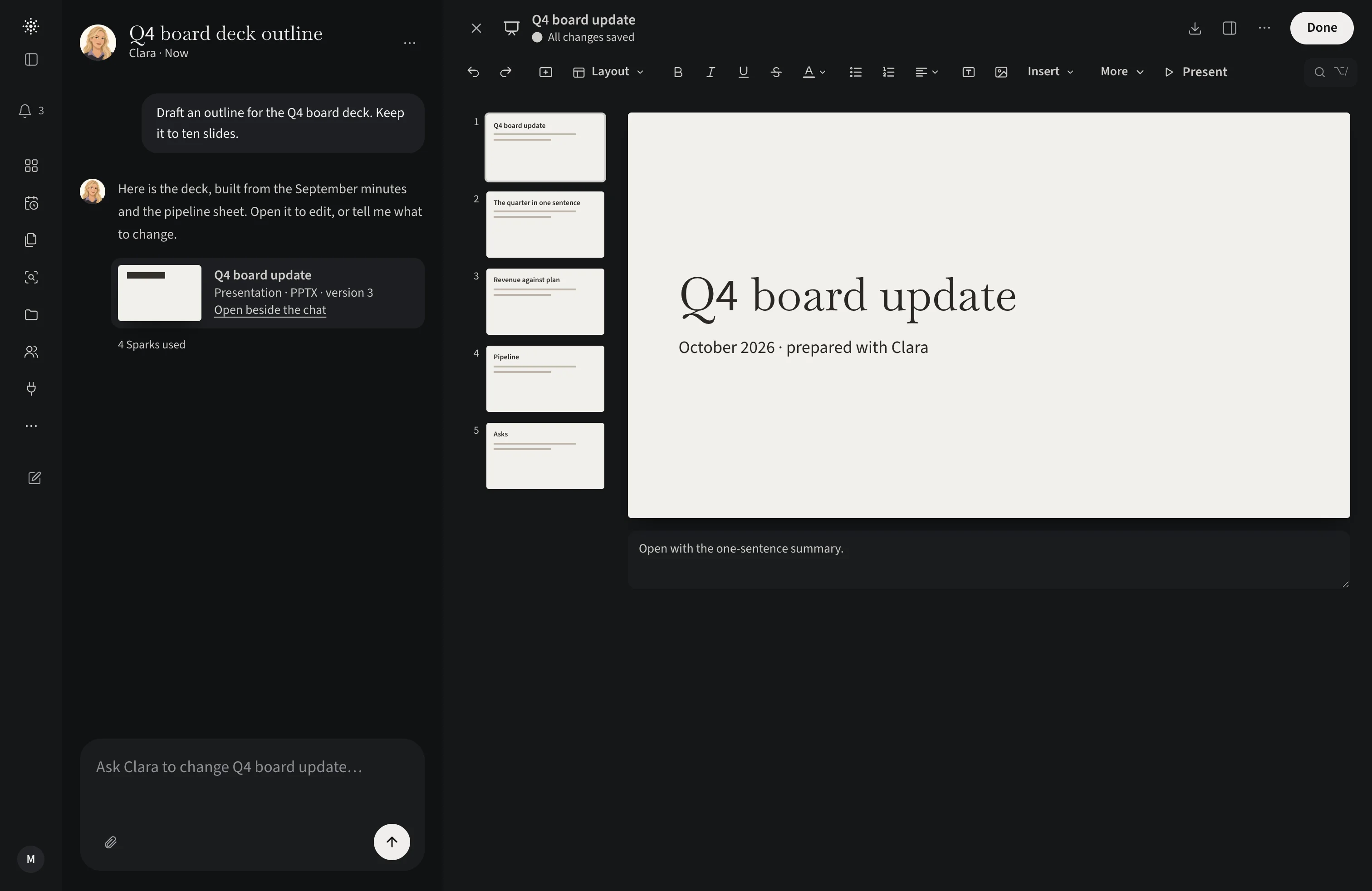
A cited report, a Word, PowerPoint or Excel file, charts, and more. Real artifacts you can use right away.
Say what you need to know. It proposes a plan; you confirm.
It pulls from the web, your files, and your apps. Every claim links to its source.
The report stays yours. Reuse it, update it next month, or build the deck from it.
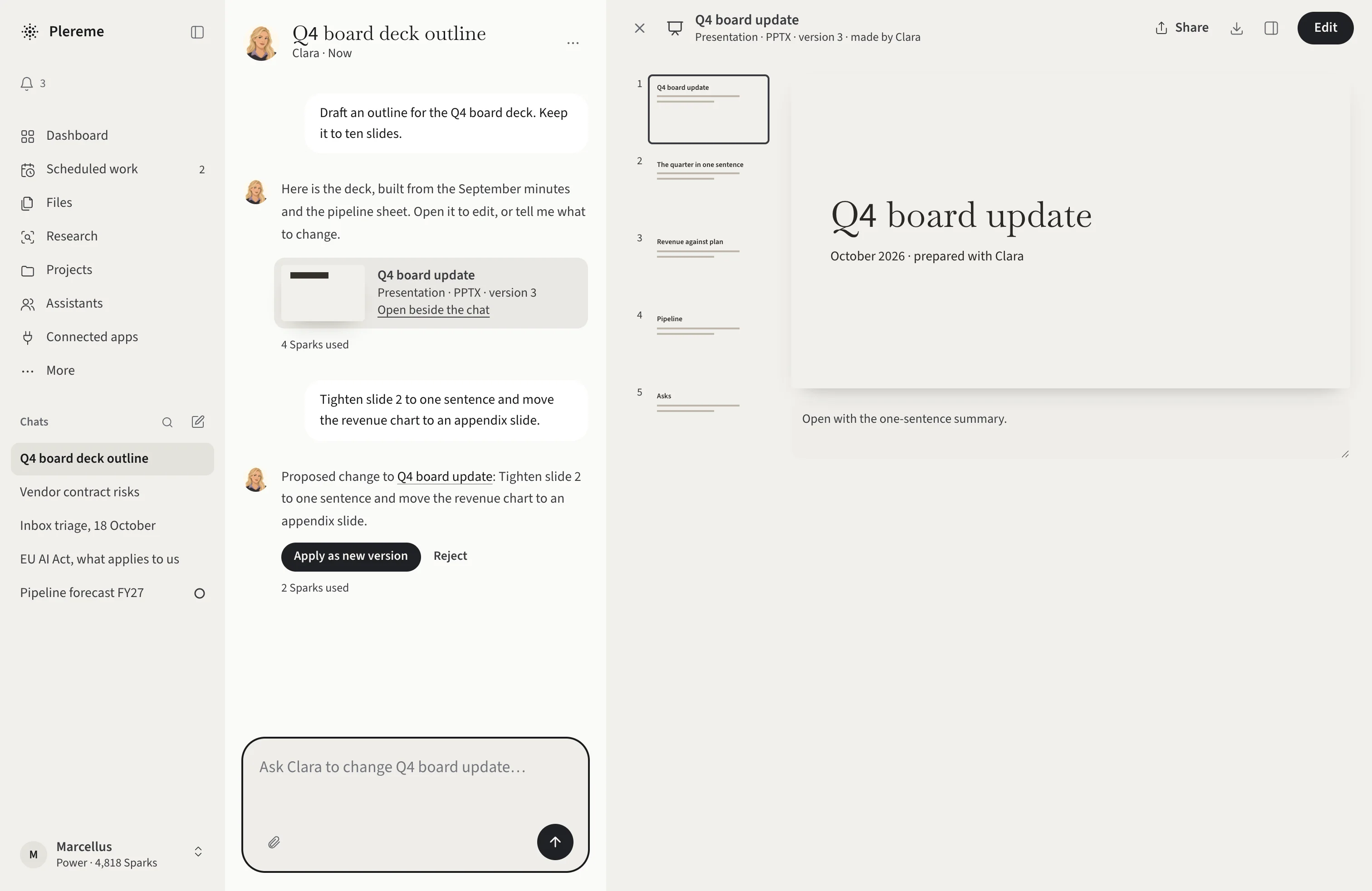
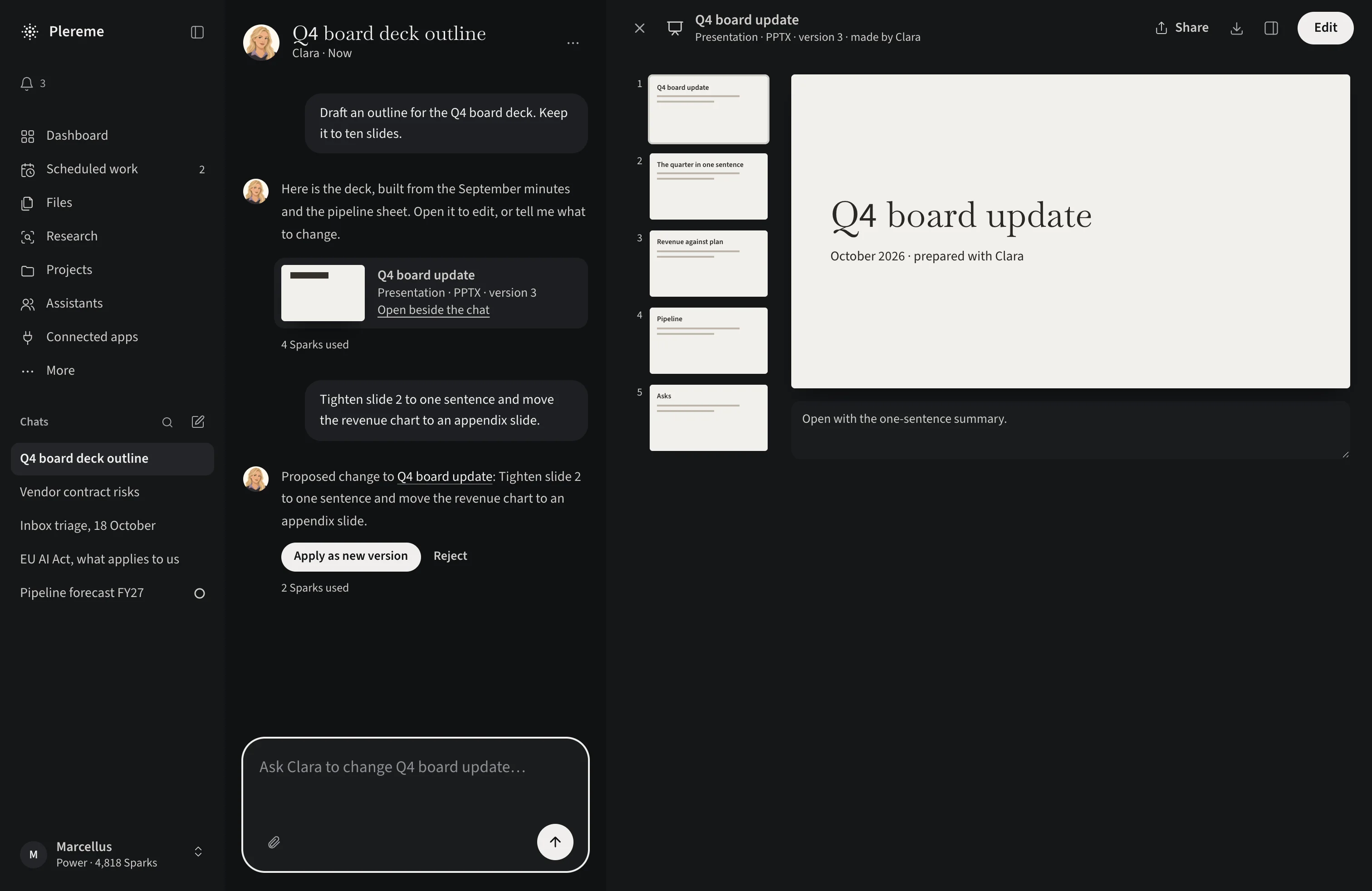
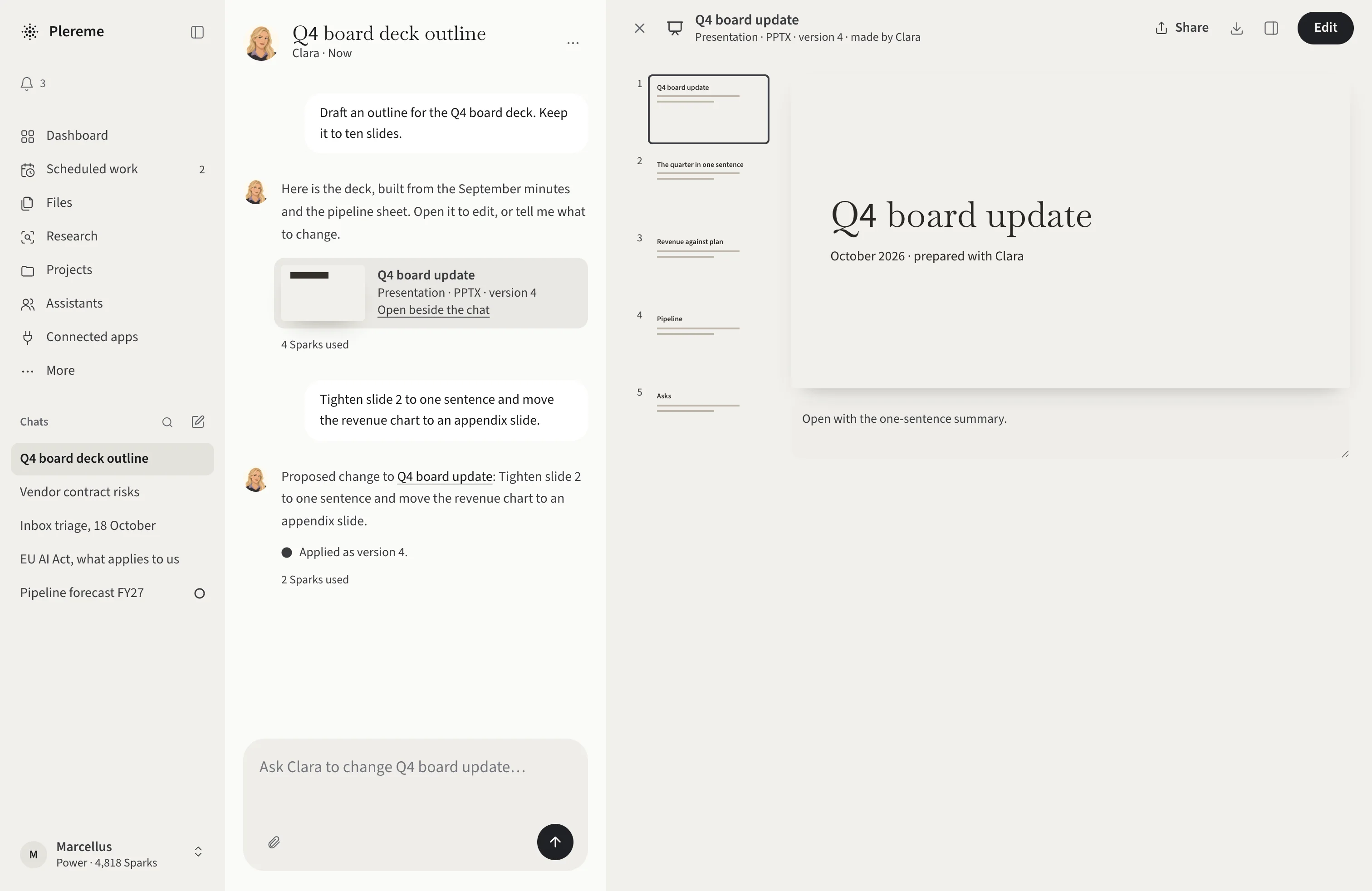
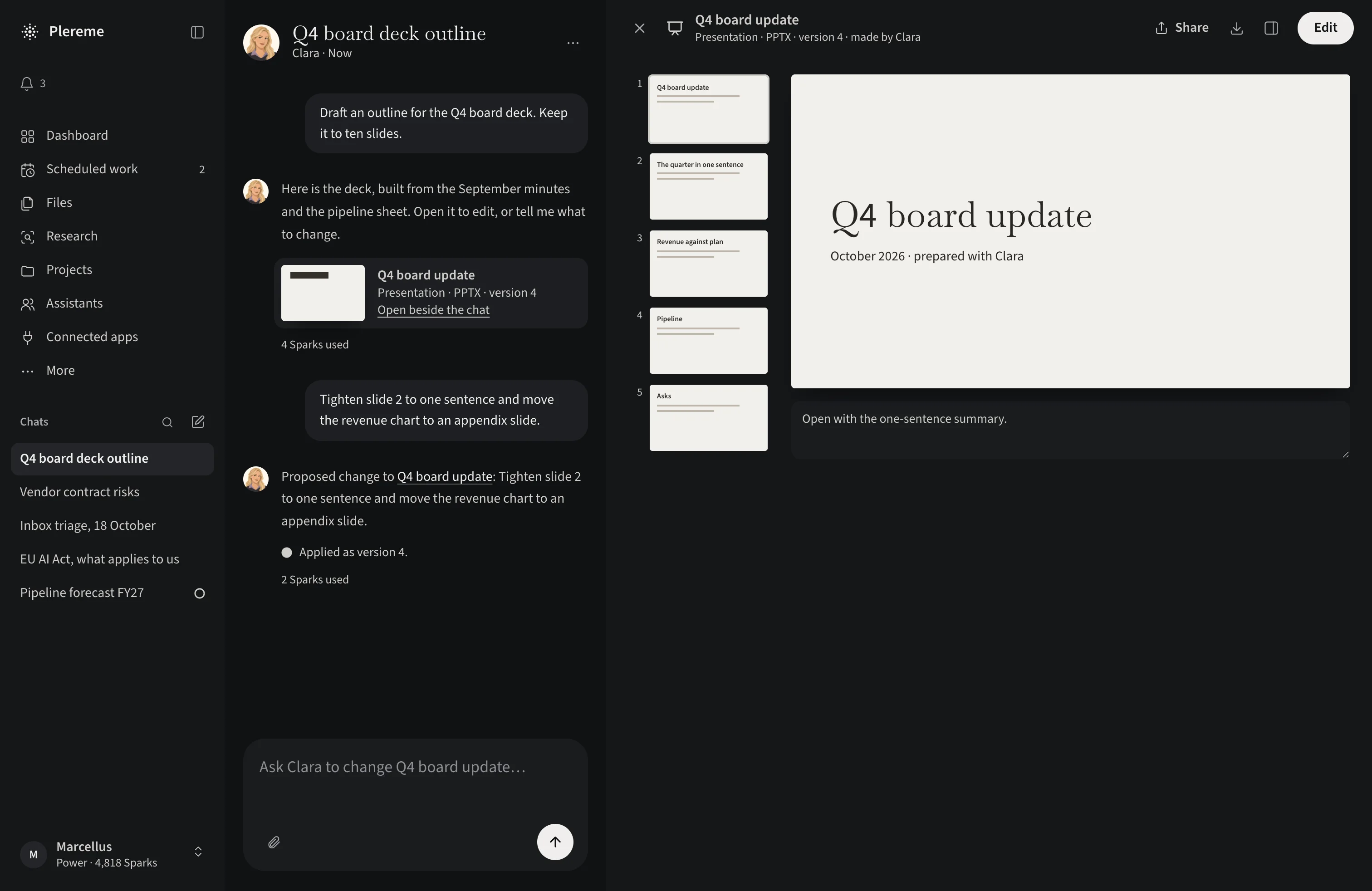
Come back and catch up in one look: what changed, what is waiting on you, and what got done.
Each assistant remembers its own work. See it, fix it, delete it, or share it with the others.
Set it once. It runs, and you get the result.
Everything for one piece of work, together. Chats, files, schedules.


You decide what each assistant can touch. It asks before it sends or changes anything. More apps on the way.
Mail, calendar, files, and office work
Outlook, Teams, and OneDrive
Channels, messages, and shared files
Pages, databases, and team knowledge
Files, folders, and shared links
Jira projects and Confluence spaces
Repositories, issues, and pull requests
Meetings, recordings, and transcripts
One account. Start on the Mac, continue on your phone or in the browser.
Keyboard-first. Drag files in, preview them, jump in from Spotlight.
Chat, talk, and approve on the go. Shortcuts and live updates.
Any modern browser. Edit Word, Excel and PowerPoint files right there.
A private AI workspace for Mac, iPhone and the web. It researches, writes real Office files, runs your repeat work on a schedule, and remembers where you left off.
A chatbot answers. Plereme works: assistants with jobs, memory, and rules research, build real files, run on a schedule, and act in your apps with your approval. Everything they make stays in your workspace.
Yes. Each assistant runs a GEPA learning loop that breeds improvements from its own past work and keeps only those that win on quality, cost, and safety. Every candidate passes a private evaluation suite and your approval, with rollback any time.
That is the point. Research, writing, spreadsheets, presentations, scheduled jobs, and your connected apps all happen in one place, and the results stay there. Word, Excel and PowerPoint today, more on the way.
Yes. Share a chat as a snapshot with the people you choose, for as long as you choose, and they can take their own copy to edit.
Mac, iPhone, and the web in Chrome, Safari, Firefox or Edge. One account, same work everywhere, in English and Indonesian with more languages on the way.
Yes, by design. Encrypted in transit, credentials encrypted at rest, every action locked to what you allowed, approval before anything sensitive, and a full audit trail. You see, edit and delete what it remembers, or export and delete everything. We never sell your content.
You pay for what you use. Plans from $5 to $200 a month, and Enterprise for teams. Each plan includes a monthly balance, and every result shows what it cost.
Invite-only on Mac, iPhone and the web. Request access and we'll tell you what's open.


